
Create a Facebook Timeline using My Memories
Facebook launched it’s new timeline feature, a format that I as a blogger loves very much. Add color to what I felt Facebook lacked before. Now everyone is adding cute little covers to their pages. I wanted to share how to create one using my memories software. When you first open your My Memories Software you will select “design your own” for album. Then select the landscape option, and change the size to 850 pixels by 315 pixels. It will look like this.
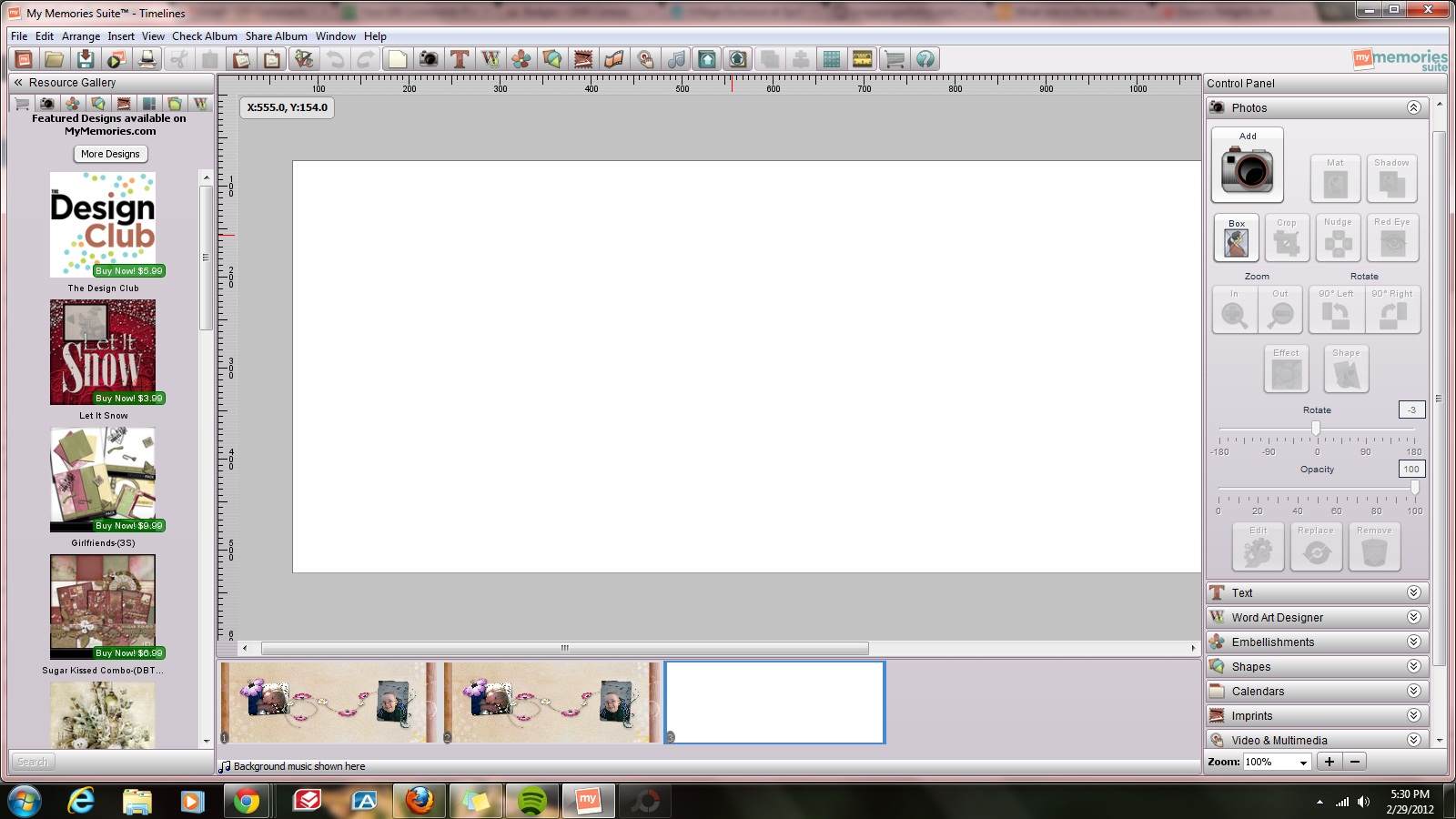
Once you have selected the size, you can then place in the background papers, elements and photos just as you would with any normal layout, re-sizing as needed. Here are couple I created today.



get a $10 Discount on MyMemories v3 software using our promo code STMMMS36408.
You must be logged in to post a comment.