30% off Halloween Invitations through Oct.11th
No trick! Just a treat: Enjoy 30% off printed 5×7 Halloween invitations at Smilebox, now through October 11th. Plust get free shipping when you sign up for the 14 day free trial of Club Smilebox.

Preserving your Memories
No trick! Just a treat: Enjoy 30% off printed 5×7 Halloween invitations at Smilebox, now through October 11th. Plust get free shipping when you sign up for the 14 day free trial of Club Smilebox.
I started digi scrapping last August, and always injoy connecting with other digi artists. Recently I found this site called digidesignresort. I have signed up to take their Safari Lounge Classes and learn more about designing. They have a lot of great things to discover – the Happy Hour Club with over 100 GREAT products for no more than 5$ to download.
Touched by a Butterfly has been busy creating more lovely kits. Using her newest kit Vintage beauty I created these two new templates and timelines that are now available at My Memories.com. MyMemories Suite 3.0 Digital Scrapbooking Software is available at Amazon.com for $29.97


And here are some more new templates created using other kits from Touched by a Butterfly.


And if you haven’t had a chance to get the my memories software here is the discount code for a total of $20.00 savings.

A few years ago I was introduced to Smilebox, it is a simple photo scrapbooking software that is quick to use. It is one of the many I use to share my precious memories with family. You can select music, and how you want to share it. Usually I will do a 5 min cute video to send to family through email or a quick post to facebook. Celebrate Mom! Great Mother’s Day gift ideas. Cards, Scrapbooks, Collages & More. http://www.Smilebox.com
My Memories has become my favorite software out of all the ones I have used. So many things that you can do with My Memories Software, this week freebie is a flower card template.

Flower Card Tutorial
Using MyMemories Software to Customize your Flower Card
TIP:
You can right-click on the white guide and lock it in place to keep it from moving while you are working. Make sure this is the top layer of your project before printing.
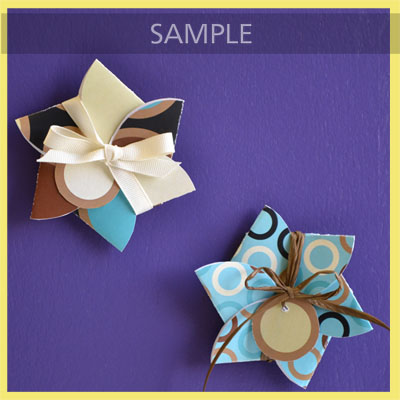
Instead of adding the paper as a background paper, you can add it as an embellishment so that you can move the paper around. This is especially useful when using papers with stripes or circles, so you can decide which part of the paper you want to use.
Once it is added as an embellishment, you can now select the paper and move it into the position you want it.

Mixbook Mother’s Day Sale – 25% Off Everything This sale will be ending in a few days so that beautiful albums can arrive on time for mothers Day. I have been working on some basic brag books from our vacations in the past few years with the kids. They are very easy and have some nice designs. Tonight I was able to get 3 books done for Mother’s Day. You can also publish them and share them instantly.
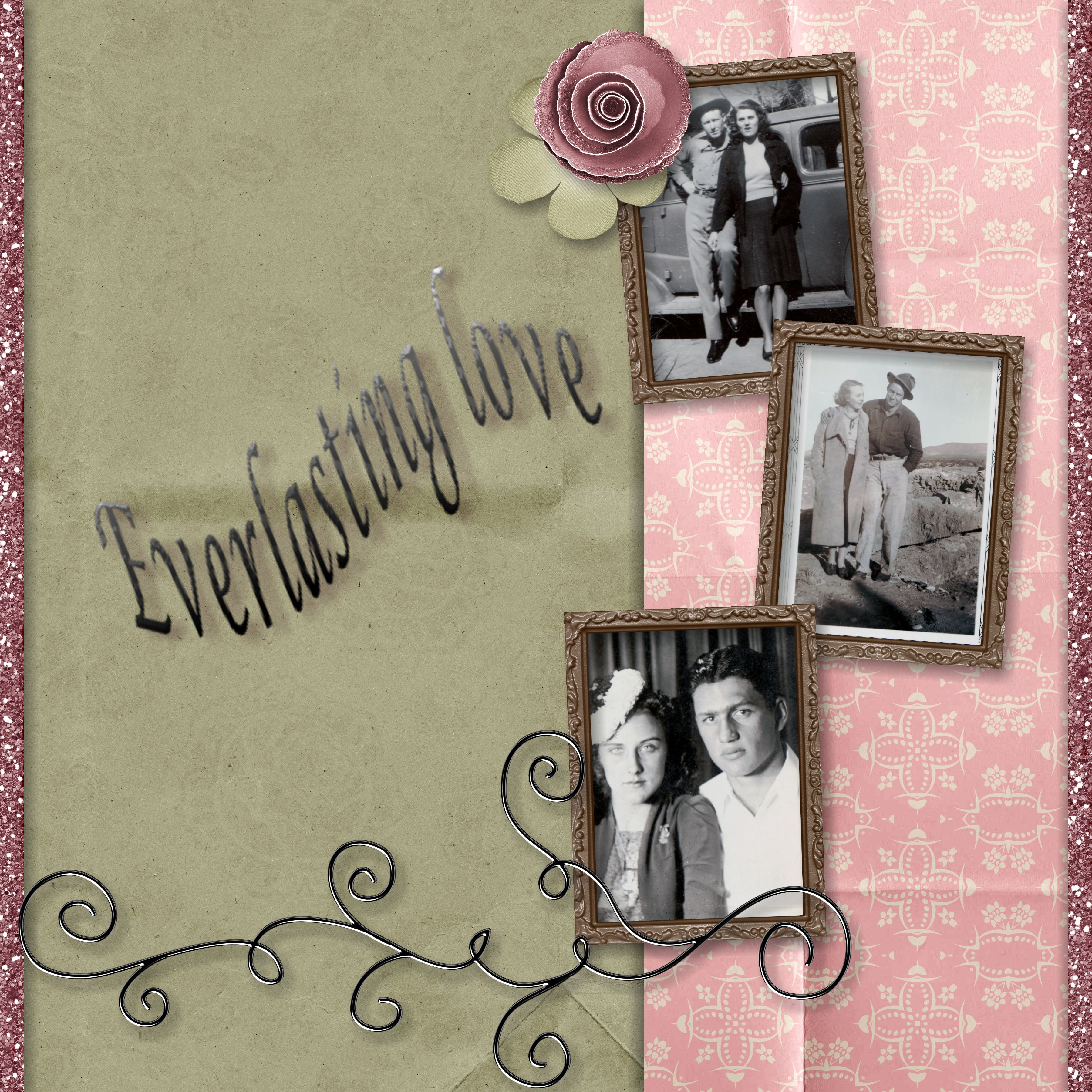
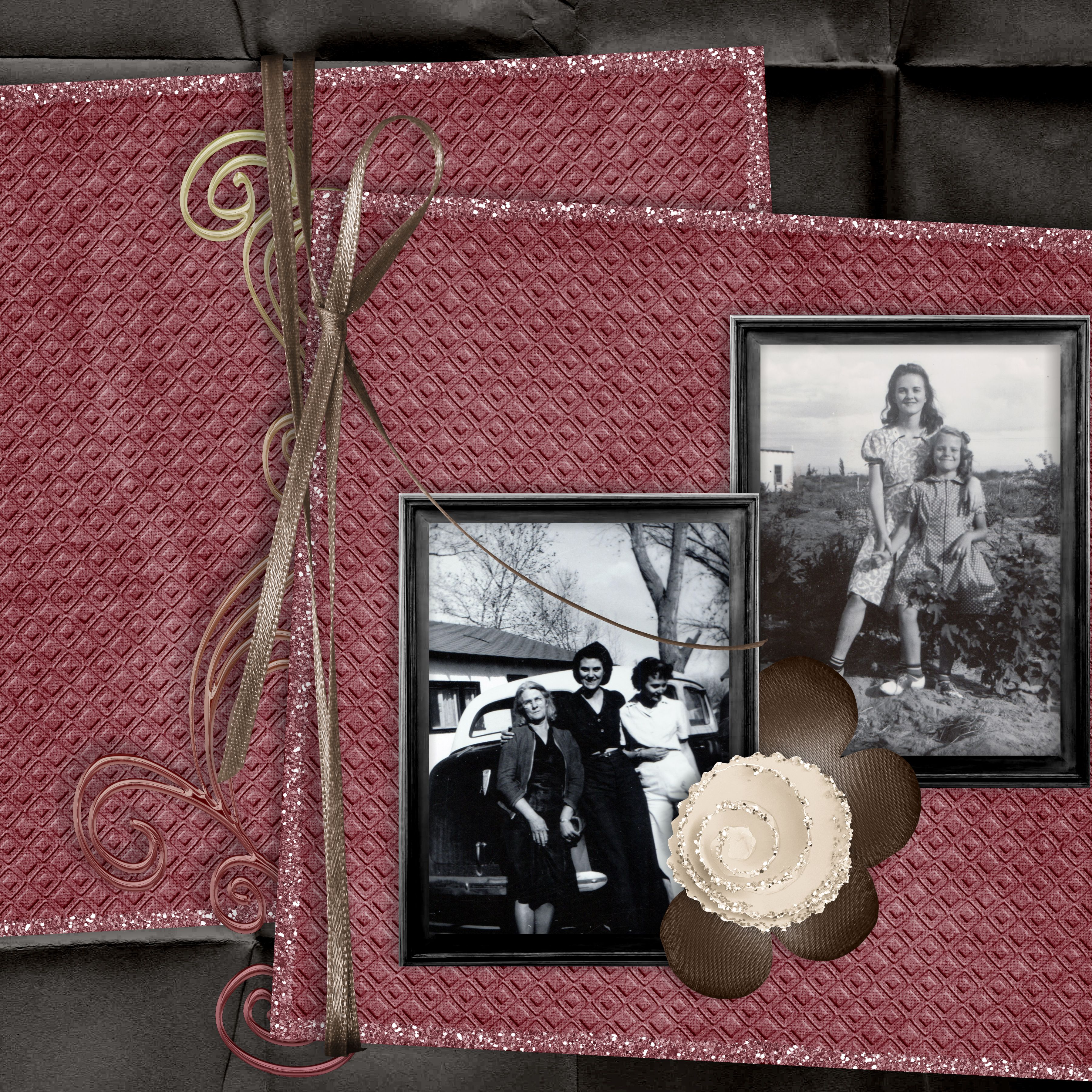
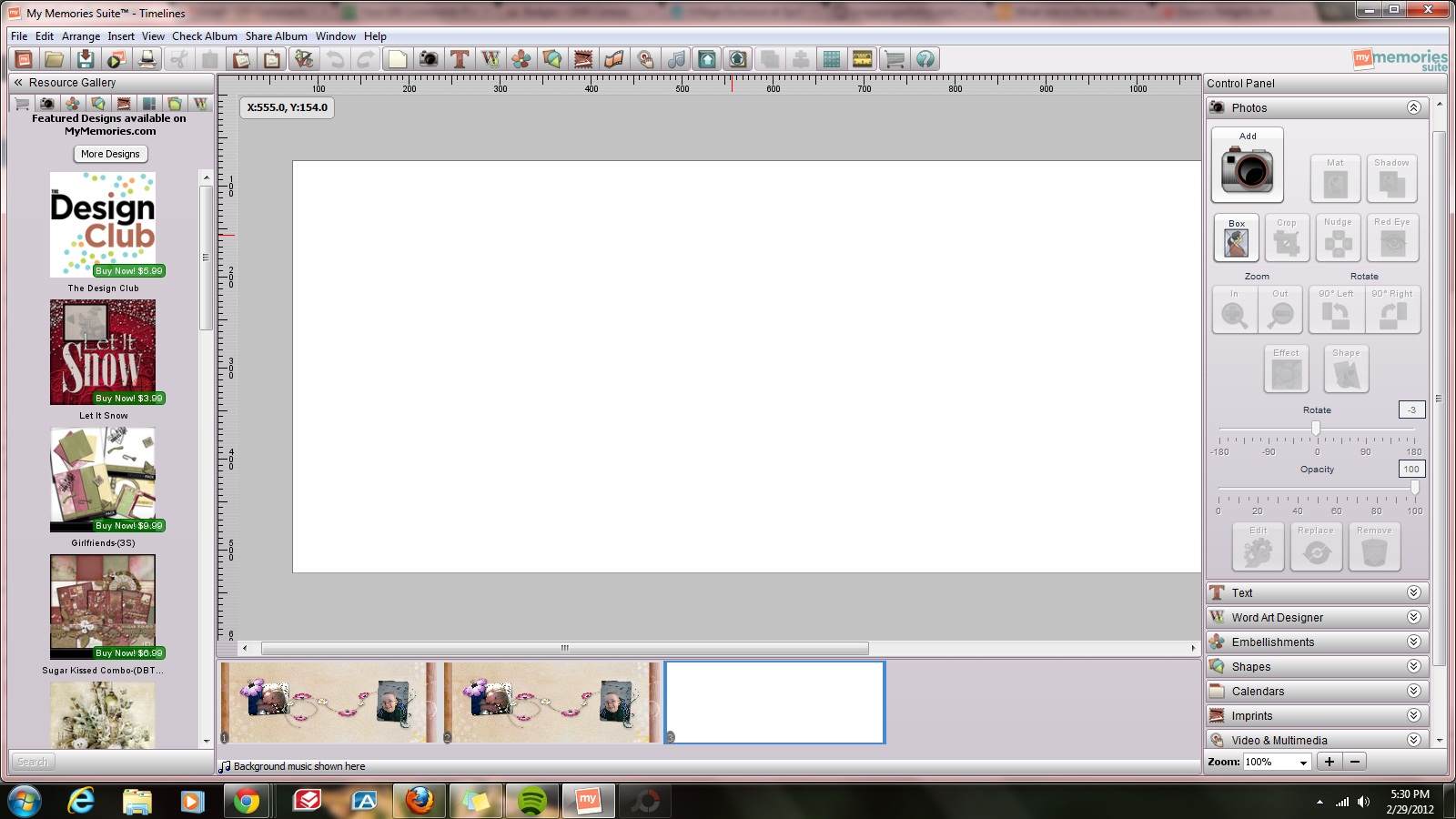
As a busy mom to 4 kids, business owner and all the other hats I wear throughout the day. Getting a spare moment to scrap can be challenging some days. This is why I LOVE My Memories Software so much. I was able to catch up on replies and make my husbands lunch for tomorrow and put together a cute little 4 page scrapbook. I used templates and old photos I had already edited a while back. I love that later I can go back into this album and change it up, make it into a movie, have it printed, add more pages, or send it to family via email..







So, let’s do the math:
$39.99 MyMemories Suite Software
-$10.00 Using your promo code
——————————
$29.99 Payment
——————————
+$10 in free merchandise
+$19.95 RAKStar Membership
——————————
=$29.95 Free Bonus
However you add it up – it’s an incredible deal for the Best Digital Software on the Planet!


You must be logged in to post a comment.