My memories

  • Featured Designer:Touched by a Butterfly

    Starting Monday Touched by a Butterfly will be the Featured Designer for a whole week on MM blog…. Starting Monday everything in the Touched by a Butterfly store will be 30% off for one week. Here is a completed page from her new upcoming kit Choo Choo kit that I made using photos from our recent Day out With Thomas

    . 

  • Pariot Ancestors

    Long before my Grandma met my Grandfather, he was a US Marine during World War II. I never had met my Grandfather, however I do know that he meant a lot to my Grandma for her to keep all his photos, service papers through the years and to never remarry. Finding the perfect digital kit to highlight his dedication to our Country has been challenging. However tonight Touched by a Butterfly release a free Mini USA kit, it was perfect for what I had in mind. I was able to complete this page in a few minutes. I knew exactly the photo I wanted to share.


    Photo: Whooo Hoooo.... Here is your freebie for us getting to 150 likes... Another freebie when we hit 200 likes. So keep sharing.<br />
https://www.box.com/s/d712fbad50edced9bd15 


    And find more about your Ancestors Patriot Duties through this Military Online Records webinar 

  • Touched by a Butterfly

    Today I was honored to become part of the Creative Team for Touched by a Butterfly. Designer Celeste has some wonderful kits on My Memories and today I got a chance to work with her Jurassic park kit. When my family first moved to Utah a few years back, my boys were so much younger and our first outing was to the Dinosaur Park. Capturing those moments with my family was so much fun and this was the perfect kit to highlight those memories.


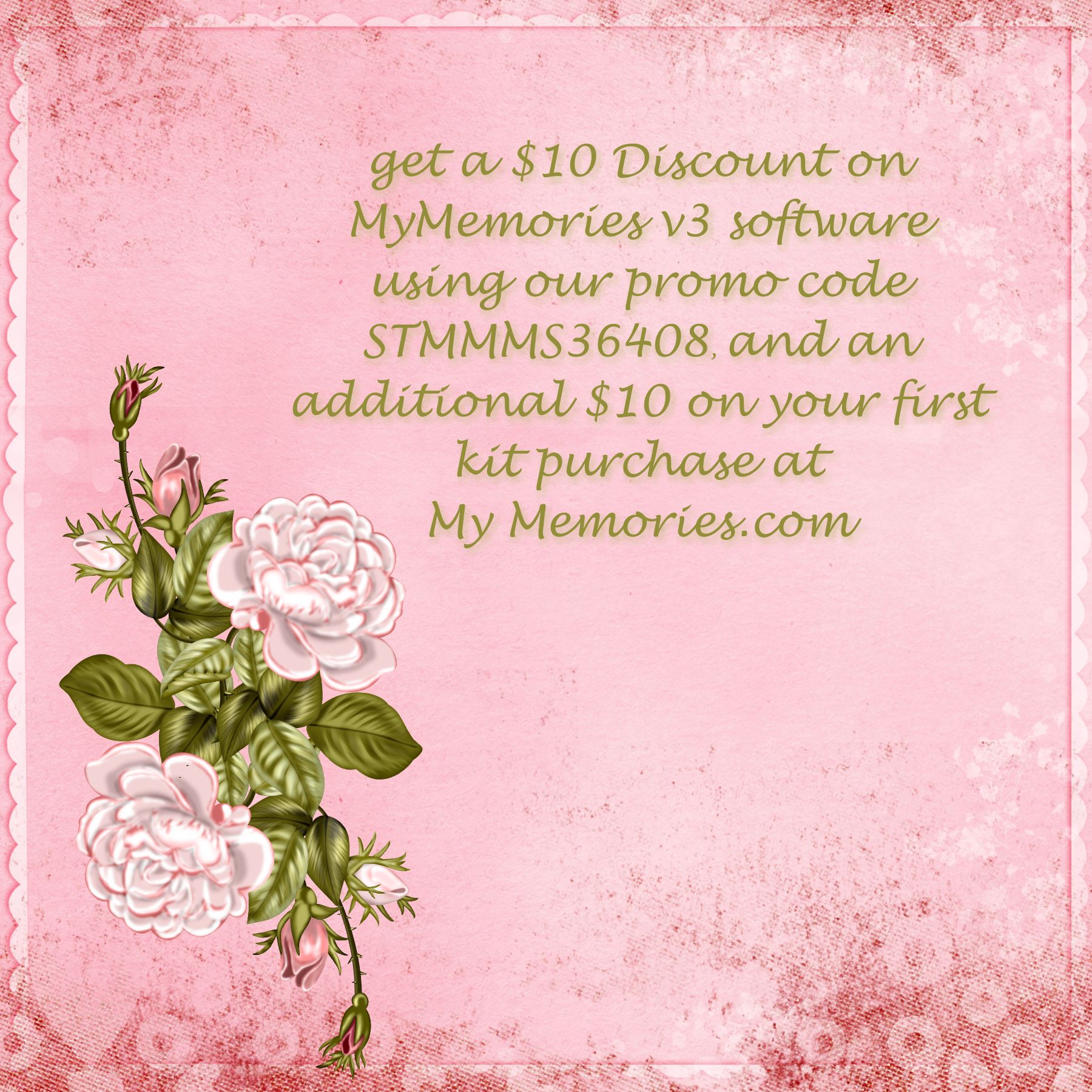
    And don’t forget you can use the below code to save $10.00 on the purchase of the My Memories Software and $10.00 off your first kits 🙂

  • Blog Design

    I wasn’t quite happy with the way my blog was getting cluttered under the old format, so tonight I decided to redesign my blog. While there are still a lot I need to fix and add to it, I am really happy with the header and background. I knew that you could use My Memories software to create blog designs for Blogspot, and gave it a try tonight for WordPress. I am using the Modern Blogger Theme, through Studio Press, but used My Memories Software for the header and background. The header was created using designs from Sugar Moon Designs Tea Party, and background was from her kit Lemonade Stand. Both kits available at My Memories store. The software is so easy to use that it only took me 15 minutes to create this. It took longer to decide which lovely kit to use than it did to create it.

  • Doorknob hangers design from My Memories

    Here is this weeks freebie from MyMemories, Doorknob hangers. This program has so many opportunities to design anything you could imagine. This weeks freebie comes with 2 different designs and a tutorial.


    doorknob hanger sample


    doorknob hanger sample

    Using MyMemories Software to Customize your Doorknob Hanger

    1. Download template file and install it into your software
    2. Using MyMemories Suite, choose Create Album From Designer Template and find your project
    3. Now you can add pictures, print and enjoy the provided template, or customize it with your own papers and embellishments.


    TIP:
    You can right-click on the white guide and lock it in place to keep it from moving while you are working. Make sure this is the top layer of your project before printing.
    Doorknob Hanger Tutorial
    1.  Print your doorknob templates on cardstock and gather supplies.  (Recommended supplies: bone folder, craft knife, cutting mat, metal edged ruler, small scissors, tape runner)
    gather supplies

    2.  Using the craft knife and metal edged ruler cut along outside line.
    TIP: a paper cutter could be used as an alternative
    trim edge

    3.  Repeat on all four sides.
    trim all edges

    4.  Using a bone folder, fold the doorknob hanger in half.

    5.  Apply a liberal amount of the glue of your choice and glue sides together.
    TIP: A tape runner works better than a glue stick!
    glue together

    6.  Using small scissors, cut out the white center circle.
    cut out circle

    7.  Hang on a door and Enjoy!!
    TIP: To make your doorknob hanger last longer, it is best to laminate your project.  Clear contact paper makes great Do-It-Yourself lamination.
    finished project


  • My Memories-Using outside Content

    When I first started preserving my memories digitally, I tried many programs. And even though I like them, none have been as user friendly as My Memories. And you don’t have to only use kits from My Memories to create wonderful layouts. And there are many tutorial videos to help whenever you have a question. Here is a helpful tutorial on accessing outside content in the my memories software by Lisa J.


  • Free Photo Box, My Memories

    Spring has sprung, and with all the beauty around- I somehow caught my first spring cold in years. Glad to be getting better and share with everyone the freebie from My Memories for this week. A photobox just in time for Mother’s Day!


    Download here 

    Photobox Tutorial
    Using MyMemories Software to Customize your Flower Card

    1. Download template file and install it into your software
    2. Using MyMemories Suite, choose Create Album From Designer Template and find your project
    3. Now you can add pictures, print and enjoy the provided template, or customize it with your own papers and embellishments.

    TIP:
    You can right-click on the white guide and lock it in place to keep it from moving while you are working. Make sure this is the top layer of your project before printing.

    Instead of adding the paper as a background paper, you can add it as an embellishment so that you can move the paper around.  This is especially useful when using papers with stripes or circles, so you can decide which part of the paper you want to use.

    Once it is added as an embellishment, you can now select the paper and move it into the position you want it.


    Don’t forget that Lifetime and My Memories is still offering the free photobook with code BK6FRE 


  • National Scrapbooking Day

    On Saturday May 5, it is National Scrapbooking day. As I go through all the lovely photographs my Grandma had saved through the years, it makes me want to do better at preserving memories of my kids. I have 4 kids, and my oldest just turned 16 years old. It went by to fast and I know it will be the same for my younger 3 kids. So many of my Grandma’s photos are a mystery as to who is in the photographs, no names or journal of the events.  I am truly lucky that my Aunt is helpful with some of these photographs. I love this photograph of my Great Aunt Lovella who taught me a lot about Genealogy. She is posing with her kids and mother in law on a donkey, most likely celebrating Cinco de Mayo-


    And this week My Memories is hosting a Very fun Challenge to Celebrate National Scrapbooking Day and Cinco de Mayo, starting Wednesday on their Blog. You’ll have to check out the MyMemories Facebook page on Friday, Saturday and Sunday this weekend for some fun games, super scraps and of course some SUPER FUN giveaways!!  And the AMAZING MyMemories Designers are sending out a BLOG TRAIN to give you all kinds of FUN FREEBIES!!!You will NOT want to miss a thing!  There’s going to be something fun for everyone!!

    My Memories is still offering a free photobook with their code BK6Fre.