
Personalize WordPress with My Memories
A couple weeks ago, I changed my blog to a Genesis Blog, with the modern theme. I will admit that wordpress appears more complicated than it really is. And while I am still learning the ropes of wordpress, I wanted to share how I got my header and background. It is real basic at this point and something I will continue to work on. But I created both using My Memories Software.
First you will want to go to your appearance on the left side and select Background

Once you bring it up you will see a section that will allow you to choose a file. This is when you can select any background image you want for your blog. You can tile the background or make it a solid color.

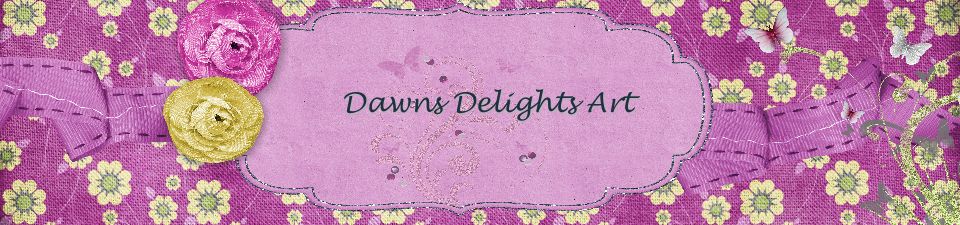
Next is your header, right below the Background button is the Header section. When you open the section it will tell you the size of the header. I had selected Sugar Moon Design Tea Party elements as my header. And just as I made my Facebook Timeline, I used the same techniques to complete the header.

The size of the header needed to be 960×225. I opened My Memories Software and selected custom design, landscape and size in pixels. Then I created the design I wanted. I saved it and then uploaded it to the header section.

You must be logged in to post a comment.